What Is HDMI 2.1 & HDMI 2.2?

HDMI 2.1 can support native 10K screen resolution, 4K 120Hz, 8K 60Hz, variable refresh rate, dynamic HDR and more! Here’s a guide.
 Rob Shafer
HDMI 2.1 can support native 10K screen resolution, 4K 120Hz, 8K 60Hz, variable refresh rate, dynamic HDR and more! Here’s a guide.

The LG 32GN650 is a 1440p 165Hz FreeSync gaming monitor based on a flat-screen VA panel with a high contrast ratio and sRGB color gamut.

The MSI MAG274QRF-QD is a 27″ 1440p 165Hz IPS gaming monitor with FreeSync, MBR and Adobe RGB color gamut.

The LG 32UN650 is a 32″ 4K IPS monitor with a wide 95% DCI-P3 color gamut, AMD FreeSync support, and a stylish height-adjustable design.

The Samsung S32BG65 is a 32″ 1440p 240Hz curved gaming monitor with FreeSync/G-SYNC Compatibility, DisplayHDR 600, and 1ms GtG response time.

The ASUS PG27AQDM is a 27″ 1440p 240Hz W-OLED gaming monitor with VRR support, a wide color gamut, a plenty of additional features.

Native G-SYNC implies that the monitor has a dedicated module installed in the monitor while G-SYNC Compatible relies on Adaptive-Sync.

The Dell G2725D is an affordable 27″ 1440p 180Hz IPS gaming monitor with a tilt-only stand and a VESA mount compatible screen.

Whether G-SYNC is worth it or not mainly depends on what type of games you play, your computer rig and your budget. This guide will help you make the right decision.

IPS glow is characterized as glowing around the corners of an IPS panel monitor. Read our guide to learn how you can reduce it.
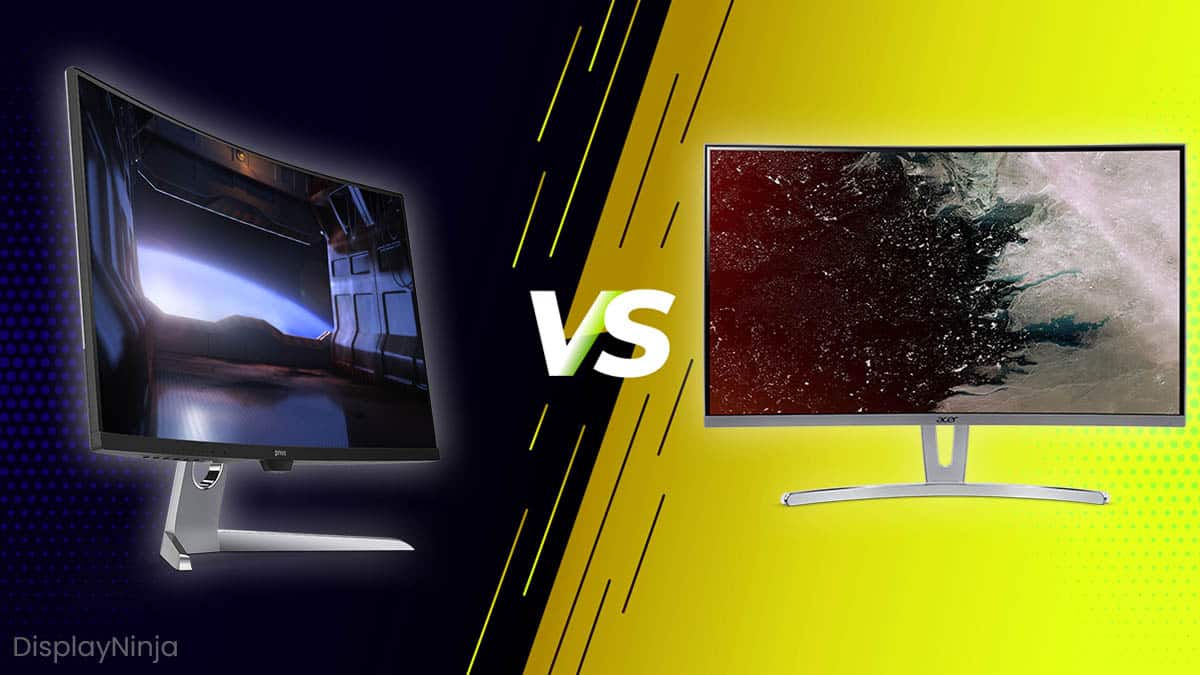
If you’re interested in an ultrawide display, we recommend getting a curved model. For widescreen monitors, it’s a matter of preference.

What’s the difference between WLED and LED? The short answer is that there is no difference. Let’s find out why.

The higher the refresh rate, the better. However, to take full advantage of a high refresh rate, you’ll also need to output equally high frame rates. Here’s a handy guide to help you choose.

Which panel type is the best — an IPS panel or a PLS panel? Both offer the same advantages and disadvantages, so what’s the difference? Let’s find out.

The aspect ratio is the ratio between the width and height of the screen. Find out what 16:9, 21:9 and 4:3 mean and which one you should pick.
In this guide, you will find optimal color settings for the ASUS VG248QE 144Hz gaming monitor as well as all the required tools including the ICC profiles, OSD settings and everything else you might need to improve the image quality.

Response time overdrive allows you to push the monitor’s response time speed in order to reduce the trailing/ghosting of fast-moving objects.
Backlight bleed is characterized as light leaking around the edges or corners of an LCD. It is fixable in some cases. Here’s a short guide on the topic.

The KTC M27T20 is a 27″ 1440p 165Hz gaming monitor based on a VA panel with a high contrast ratio, VRR support and 576-zone mini LED FALD.

The LG 27GR95QE is a 27″ 1440p 240Hz OLED gaming monitor with instantaneous response time, infinite contrast ratio, VRR and wide color gamut!