

The Best 32:9 UltraWide Monitors (2026 Reviews)
Looking for a 32:9 ultrawide monitor for that extra horizontal screen space or improved gaming immersion? Check out the best models available! (Read more)
Latest Posts
The Best USB-C Gaming Monitors (2026 Reviews)
New Mini LED Monitors In 2026: What To Expect

New Monitors In 2026: What To Expect

The Best Gaming Monitors Under 200 USD (2026 Reviews)
The Best Gaming Monitors For PS5 And Xbox Series X (2026 Reviews)
The Best 1440p 240Hz Monitors For Gaming (2026 Reviews)
The Best Monitors For FPS Games (2026 Reviews)
Popular Posts



Real Testing
We conduct in-depth testing of displays in order to provide you with actionable numbers and objective recommendations.

Real People
We are real people and not a huge marketing machine. We’re tech enthusiasts with a background in software engineering.

Real Expertise
Our reviews and recommendations are backed by decades of combined team experience and knowledge.
Latest
The Best Gaming Monitors Under 500 USD (2026 Reviews)
Looking for the best gaming monitor under 500 USD you can get? Check out the best 240Hz, 32″ and HDR models available now.
The Best Gaming Monitors Under 400 USD (2026 Reviews)
Looking for the best gaming monitor under $400? In this guide, you’ll find only the best of mini LED, OLED, 240Hz, ultrawide, 4K and other models.

The Best Gaming Monitors Under 300 USD (2026 Reviews)
Find the best gaming monitor under $300! We’ve included 1440p 144Hz, 240Hz, 144Hz IPS, ultrawide, and more cool models!
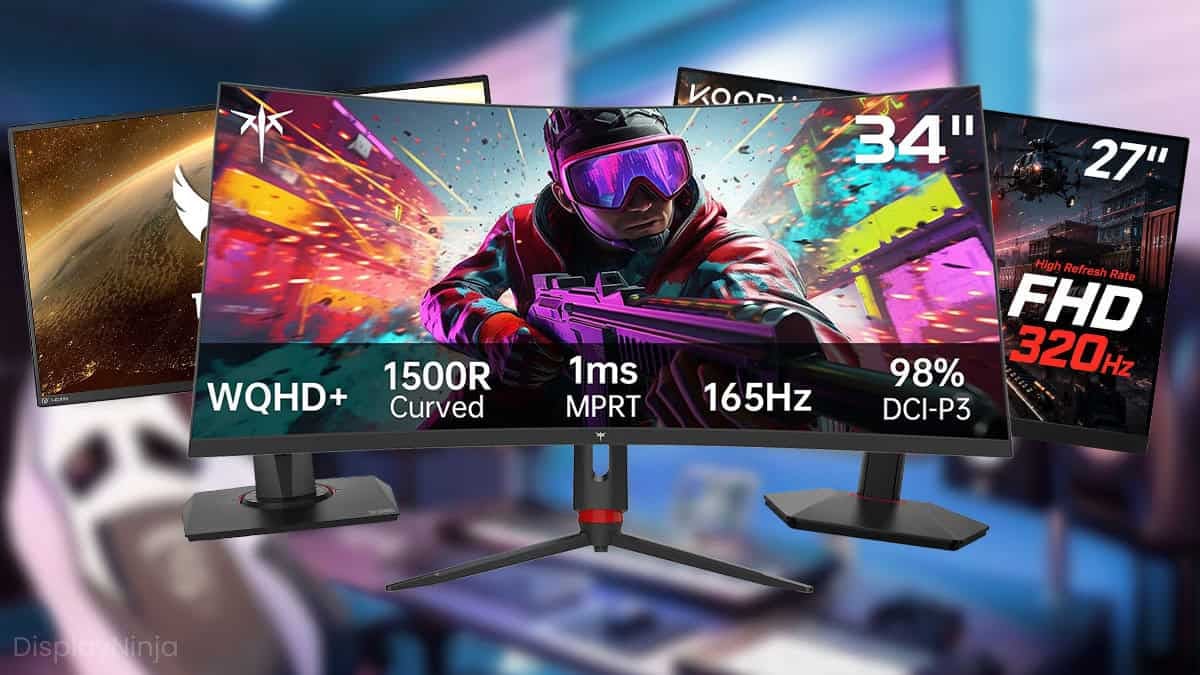
The Best Gaming Monitors Under 250 USD (2026 Reviews)
Looking for the best gaming monitor under $250? Check out the best models available in the $200 – $250 range and all you need to know about them.
Amazon Prime Day Monitor Deals 2026
We’ve decided to make things easier for you and update you with the best Prime Day monitor deals as they appear!
The Best HDR Monitors (2026 Reviews)
The selection of HDR monitors is nowhere as broad as the selection of HDR TVs. If you want to get the best possible HDR for the money, then check out this HDR monitor buying guide.
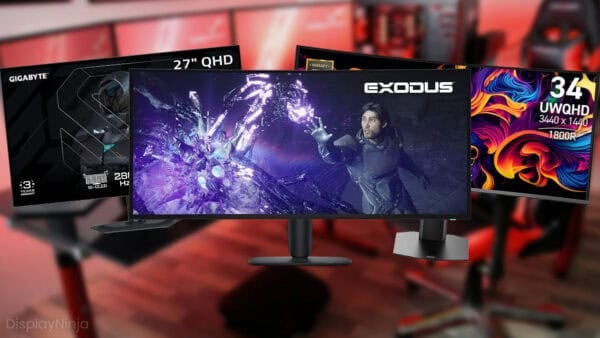
The Best Gaming Monitors (2026 Reviews)
We’ve spent countless hours researching and testing to present the absolute best gaming monitors that you can buy this year. We’re always updating this ultimate guide.
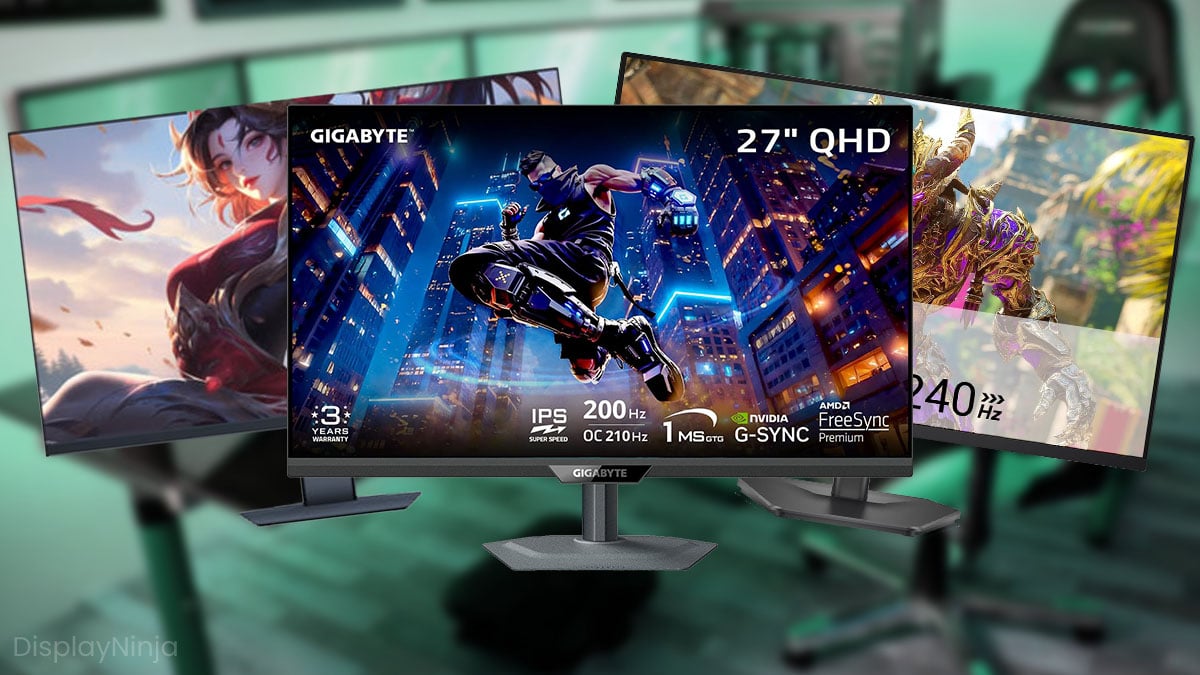
The Best Gaming Monitors Under 150 USD (2026 Reviews)
Check out the best gaming monitors under $150 right now so you don’t waste any money. If you look well enough, you can get some really good gaming monitors for 150 USD.
The Best 32-Inch Monitors (2026 Reviews)
Looking for a 32-inch monitor? Check out all the best models currently available with various specs including 144Hz, 4K, 1440p, curved and more.
The Best Monitors With Built-in KVM Switch (2026 Reviews)
Looking for a monitor with a built-in KVM switch? Check out the best models currently available and everything you need to know about them!
OLED Monitors In 2026: The Current Market Status
Check out the current state of OLED monitors as well as everything you need to know about the OLED technology in this ultimate, updated guide.
The Best 24-inch Monitors (2026 Reviews)
Check out the best 24-inch monitors available including 1080p, 1440p, 144Hz, 240Hz, curved, IPS and many more models.
The Best 27-Inch Monitors (2026 Reviews)
Want a 27-inch monitor? Not sure what panel type, resolution, or refresh rate to go for? You’ll find all the answers in this buying guide.
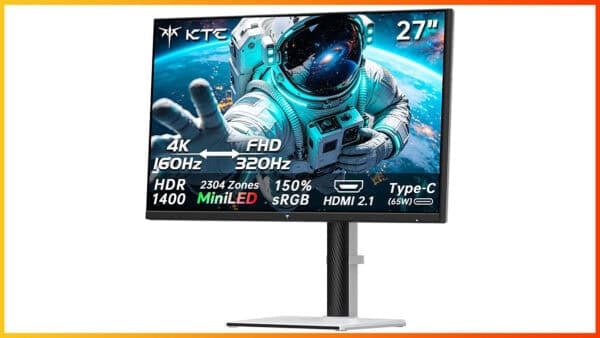
KTC M27P6S Review: 4K 160Hz Dual Mode IPS Mini LED Glossy Gaming Monitor
The KTC M27P6S is a 27″ 4K 160Hz IPS gaming monitor with a glossy screen surface, 1080p 320Hz Dual Mode, 2304-zone FALD, USB-C, KVM and more!
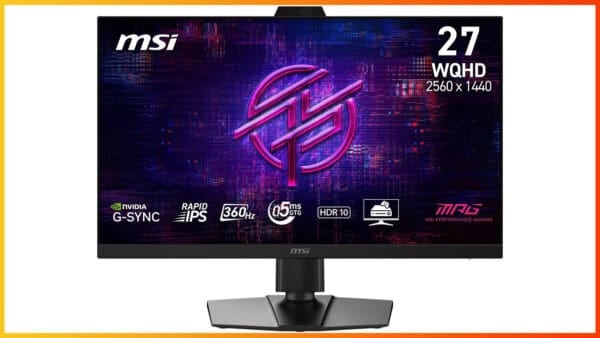
MSI MPG 272QRF X36 Review: 1440p 360Hz IPS G-SYNC Pulsar Gaming Monitor
The MSI MPG 272QRF X36 is a 27″ 1440p 360Hz IPS gaming monitor with G-SYNC Pulsar for simultaneous VRR and backlight strobing performance.

The Best Monitors For Photo And Video Editing (2026 Reviews)
Looking for the best monitor for photo and video editing? Check out the best monitors currently available and all you need to know before buying one.

What Is Motion Blur Reduction? (ULMB, LightBoost, BenQ Blur Reduction, Ultra Low Motion Blur)
Motion blur reduction creates CRT-like motion clarity by backlight strobing which is ideal for competitive fast-paced games.

What Is G-SYNC And What Does It Do?
G-SYNC synchronizes refresh rates of a monitor (Hz) to the frame rates of a GPU (FPS) in order to eliminate screen tearing and stuttering.
The Best Gaming Monitors Under 100 USD (2025 Reviews)
Looking for the best gaming monitor under 100 USD? We’ve selected only the best choices for you including 1080p, 165Hz, FreeSync and more models!

What Is Input Lag And How Important Is It For Gaming?
Why is input lag so important for gaming, especially competitive games? In this guide, we’ll explain why that’s the case and how you can improve it.

What Does Monitor Response Time Mean?
What exactly does monitor response time mean and what’s the best value to aim for? Is it an important factor? Let’s find out.

Is An HDR Gaming Monitor Worth It?
If you’re looking for a new gaming monitor, then you’ll probably ask yourself if HDR worth it for gaming. Here’s the complete answer.

FreeSync Premium Pro vs G-SYNC Ultimate – Which Should I Choose?
Everything you need to know about FreeSync Premium Pro and G-SYNC Ultimate, and how they differ from each other, at one place!

4K vs 1080p – Is UHD Worth The Upgrade?
4K Ultra HD (UHD) comes with four times as much screen real estate than 1080p, but it also has its drawbacks. Here’s the ultimate comparison.

What Is VESA AdaptiveSync and MediaSync?
VESA’s AdaptiveSync and MediaSync certifications ensure that a display provides smooth variable refresh rate performance and video playback. Here’s everything you need to know.

1440p or 144Hz – Which Is Best For You?
Can’t afford a 1440p 144Hz gaming monitor and have to settle for either 1440p 60Hz or 1080p 144Hz? We’ll help you decide what to pick in this guide.

What Is DisplayPort 2.1?
The DisplayPort 2.1 connector has a maximum bandwidth of up to 80 Gbps, providing support for higher resolutions and refresh rates.

Are UltraWide Monitors Worth It?
Find out everything you need to know about ultrawide monitors and if they’re the type of display technology for you.

How To Calibrate Your Monitor
Learn the best and the easiest way to calibrate your monitor if you have a colorimeter and what you can do to improve the image quality if you don’t have one.

What Is The Soap Opera Effect?
Ever wonder how some TVs can show images so smooth it feels like a soap opera? That’s called the soap opera effect and here’s how it works.

What Is Pixel Walk Or Pixel Inversion?
Pixel walk or pixel inversion occurs due to the display’s alternating positive and negative voltages that can manifest as different visual artifacts.

IGZO vs IPS – What’s The Difference?
What’s IGZO and is it better or worse than IPS? We have made a simple guide, explaining the differences between IGZO and IPS, and which one you should choose.