Which Cable Do I Need For 144Hz?

For 1080p 144Hz you will need DisplayPort, Dual-Link DVI, or HDMI 1.3 (or higher), while 1440p 144Hz requires either HDMI 2.0 or DisplayPort 1.2.
 Rob Shafer
For 1080p 144Hz you will need DisplayPort, Dual-Link DVI, or HDMI 1.3 (or higher), while 1440p 144Hz requires either HDMI 2.0 or DisplayPort 1.2.

FALD blooming/halo effect occurs when the light from small bright objects bleeds into the surrounding dimmed zones.

Not sure if 240Hz is enough or if you should go straight for 360Hz? Check out our detailed guide here to find out!

A DVI-D connector sends out a digital signal while a DVI-I connector can send out both a digital and an analog signal. Let’s dive deeper into these connectors.

Find out everything you need to know about DSC (Display Stream Compression).
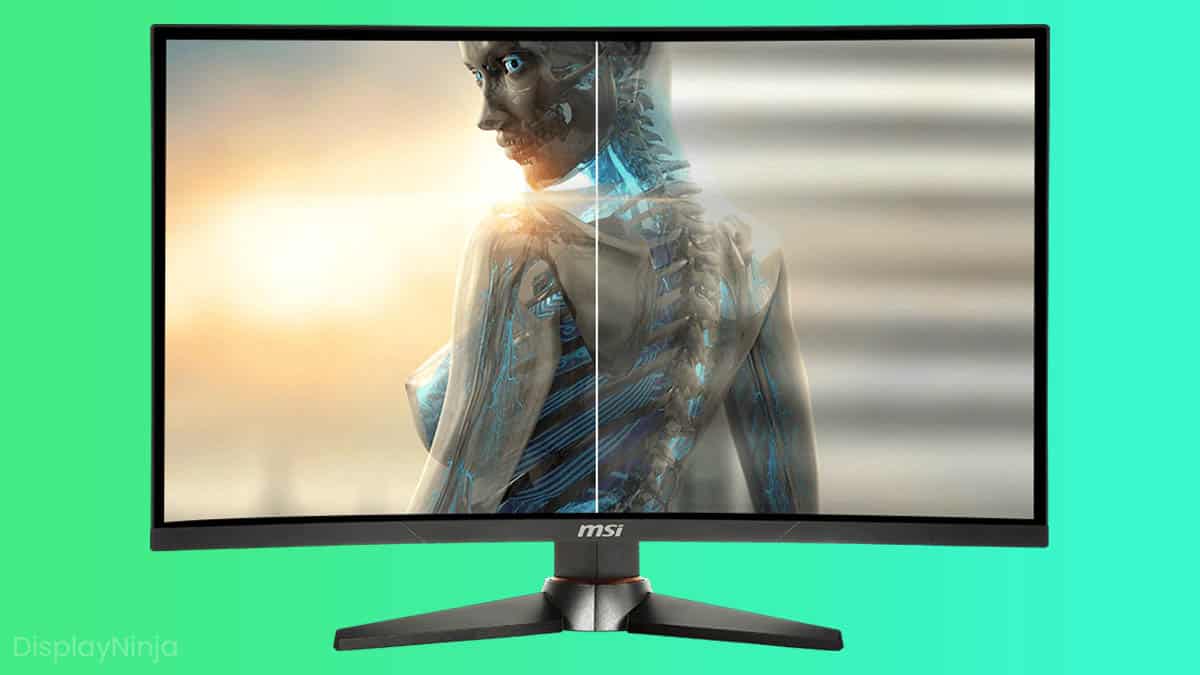
On some high refresh rate monitors (mostly VA and OLED), VRR can sometimes cause brightness flickering with FPS fluctuations. It’s possible to reduce or fix it.

If you surpass 60FPS in most games and mostly play competitive FPS, go with a 144Hz monitor; otherwise, a 60Hz monitor will do just fine.

What is sRGB emulation mode, sRGB mode, or sRGB clamp? Here’s a quick and simple explanation to help you learn more.

How do you install an ICC profile properly on Windows 10? or Windows 11 The process is actually rather simple. Here’s how you do it with ease.

Whether a 4K monitor is worth it depends on what you will use it for. Read this guide to discover if 4K Ultra HD (UHD) monitors are something for you.

Flicker-Free Technology ensures a comfortable viewing experience by eliminating screen flickering (PWM) for good. Here’s why you want it.

Did you know that it’s possible to overclock your monitor very easily? Here’s a simple guide on how to overclock your monitor and why you want to do it.

Custom Resolution Utility (CRU) allows you to manually change your monitor’s FreeSync range, quick and easy.

Find out how to calibrate your TV the quickest and simplest way without purchasing any calibration discs or professional services.

To test your display for backlight bleed, play a pitch-black video in full-screen. The light that you see around the edges of the screen is backlight bleed.

Monitor vignetting occurs due to the panel’s bad brightness uniformity. Sadly, on most monitors, you won’t be able to fix it, only decrease it a bit.

Low Blue Light Technology reduces the emission of the harmful low-blue lights on a display in order to prevent eye fatigue. Here’s why you want it.
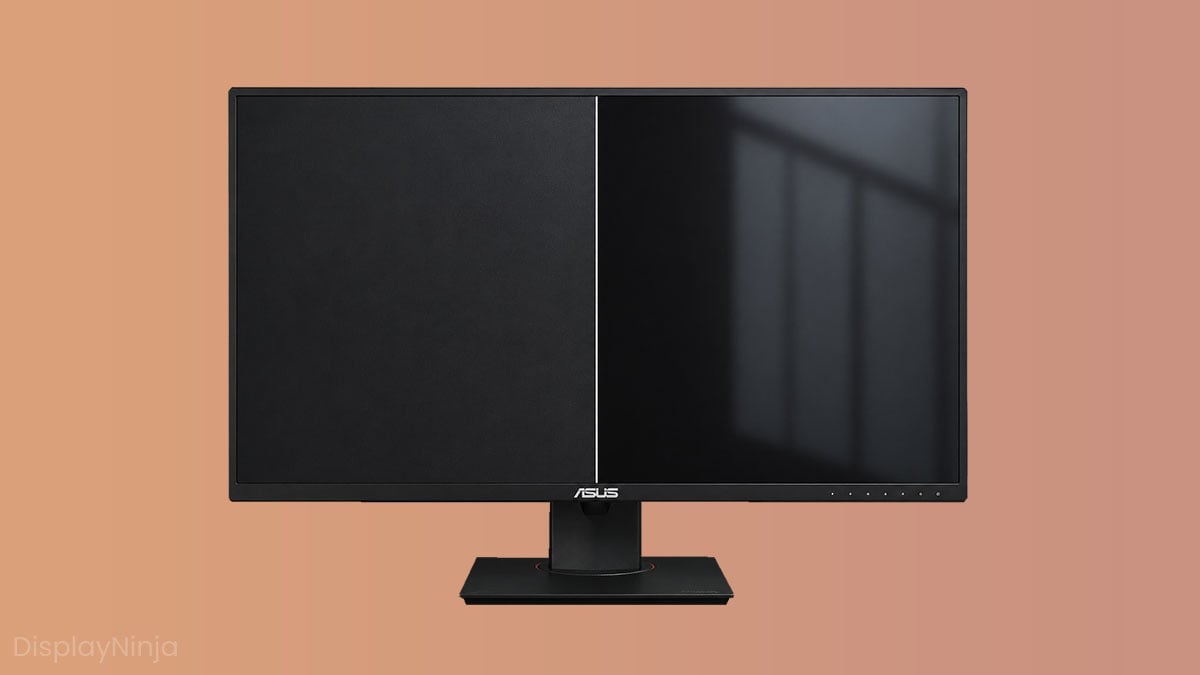
An anti-glare screen is a screen that features a layer of coating that minimizes reflections. Its efficiency depends on haze value and screen surface. Here’s a handy guide on how that may help you.
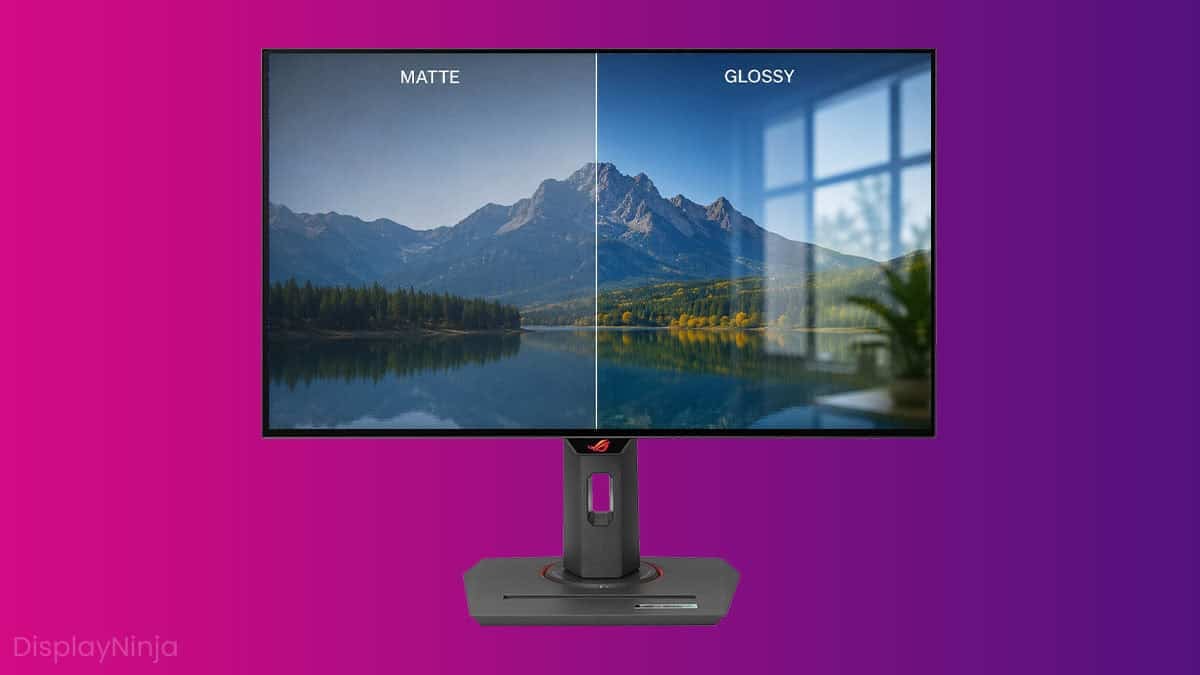
What is the difference between matte and glossy screens and which one should you choose? Here’s the ultimate guide to help you make the best decision.
